
MS Jadran
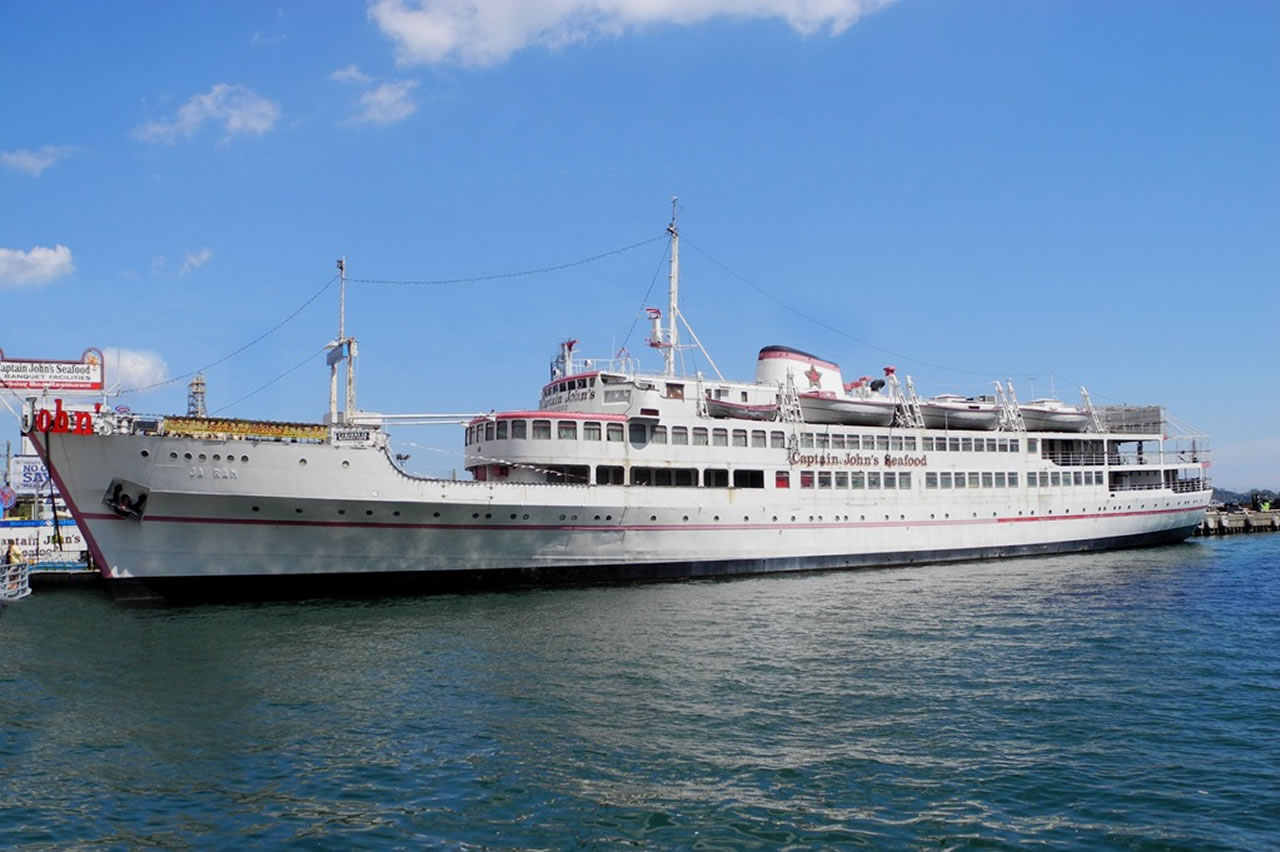
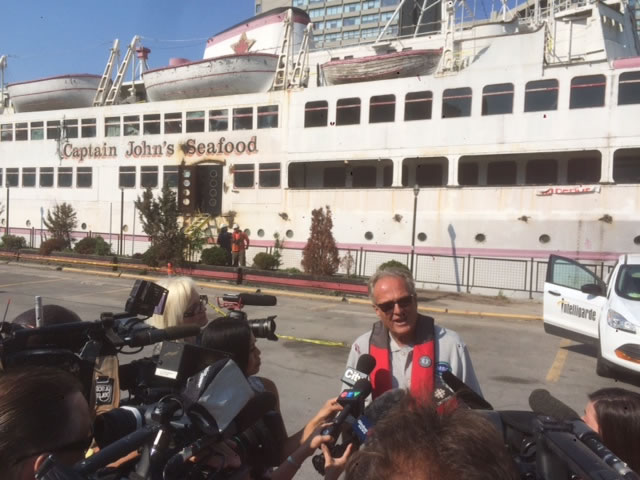
On May 28th, hundreds gathered to witness the final voyage of the MS Jadran from Toronto harbour to Marine Recycling Corporation in Port Colborne. The Jadran, a Toronto landmark, was home to the Captain John’s Harbour Boat restaurant and had been docked in Toronto since 1975.
The Jadran was originally built for the Croatian (formerly Yugoslavian) shipping company, Jadrolinija, in 1958. She operated as a 191 passenger cruise ship, sailing between Venice and Greece until 1975 when she was placed on the market and sold to Captain John Letnik, a Toronto-based chef and entrepreneur. After a tumultuous journey across the Atlantic, the Jadran found a new port to call home at the Queens West Dock in Toronto and was, thus, transformed into a restaurant and convention centre.
Captain John’s Harbour Boat restaurant was officially closed in 2012 and plans for the Jadran remained uncertain until MRC was awarded the contract to recycle the prestigious vessel. The successful tow across Lake Ontario and through the Welland Canal to Port Colborne took 16 hours.
All hazardous materials, salvageable equipment and memorabilia were removed from the MS Jadran. The ship was dismantled, and the materials recycled.
Work on the MS Jadran began in March 2016 and was completed December 2016.
Marine Recycling Corporation – 3A Lake Road, Port Colborne, Ontario
Products for Sale
These are the current listings of memorabilia and components salvaged from the MS Jadran, which are now for sale.
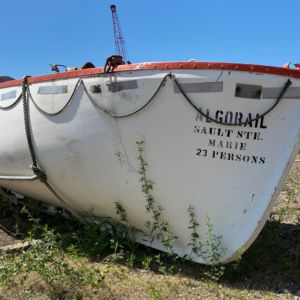 Algorail Sault St. Marie
Please contact the website administrator.
| The following information is meant for the website developer for debugging purposes. | ||||||||||||||||
| Error Occurred While Processing Request | ||||||||||||||||
|
||||||||||||||||