
Algoma Progress
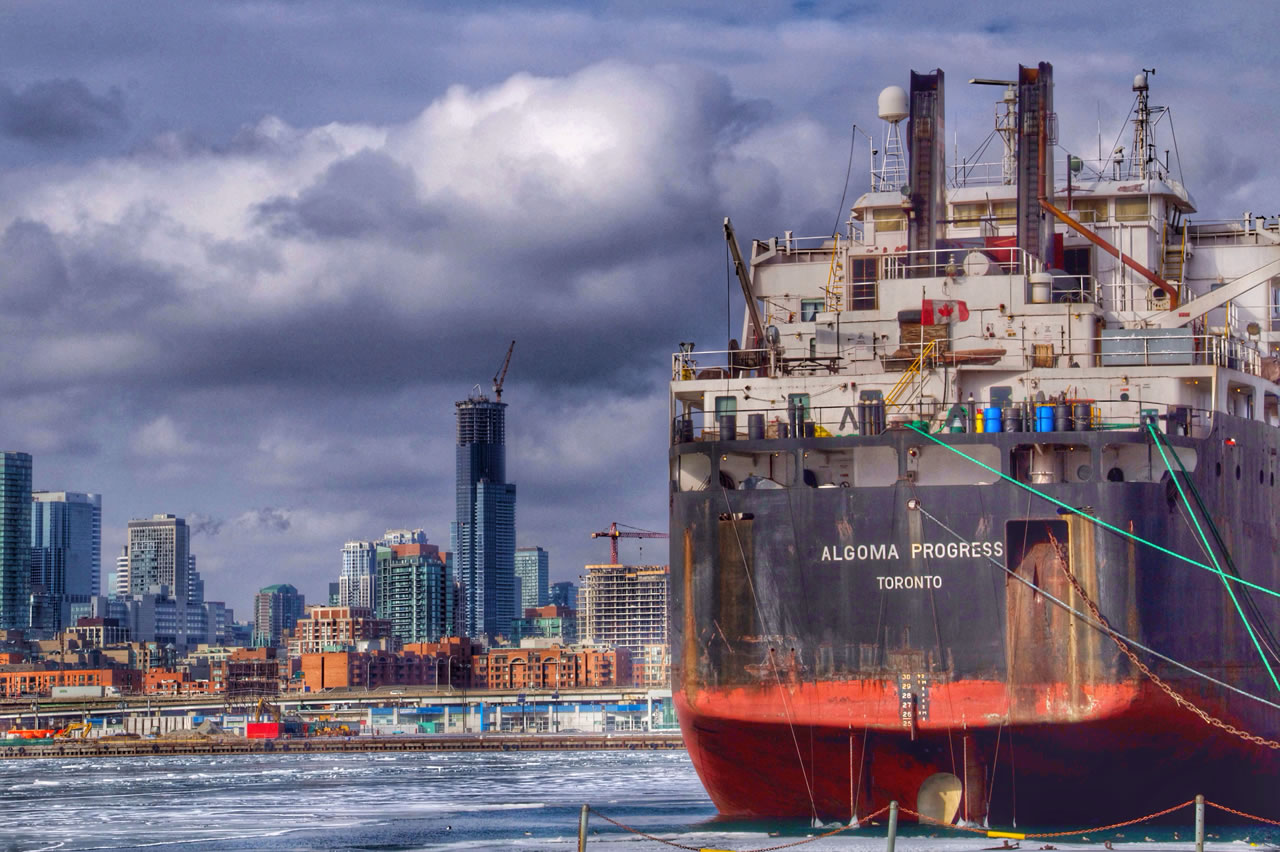
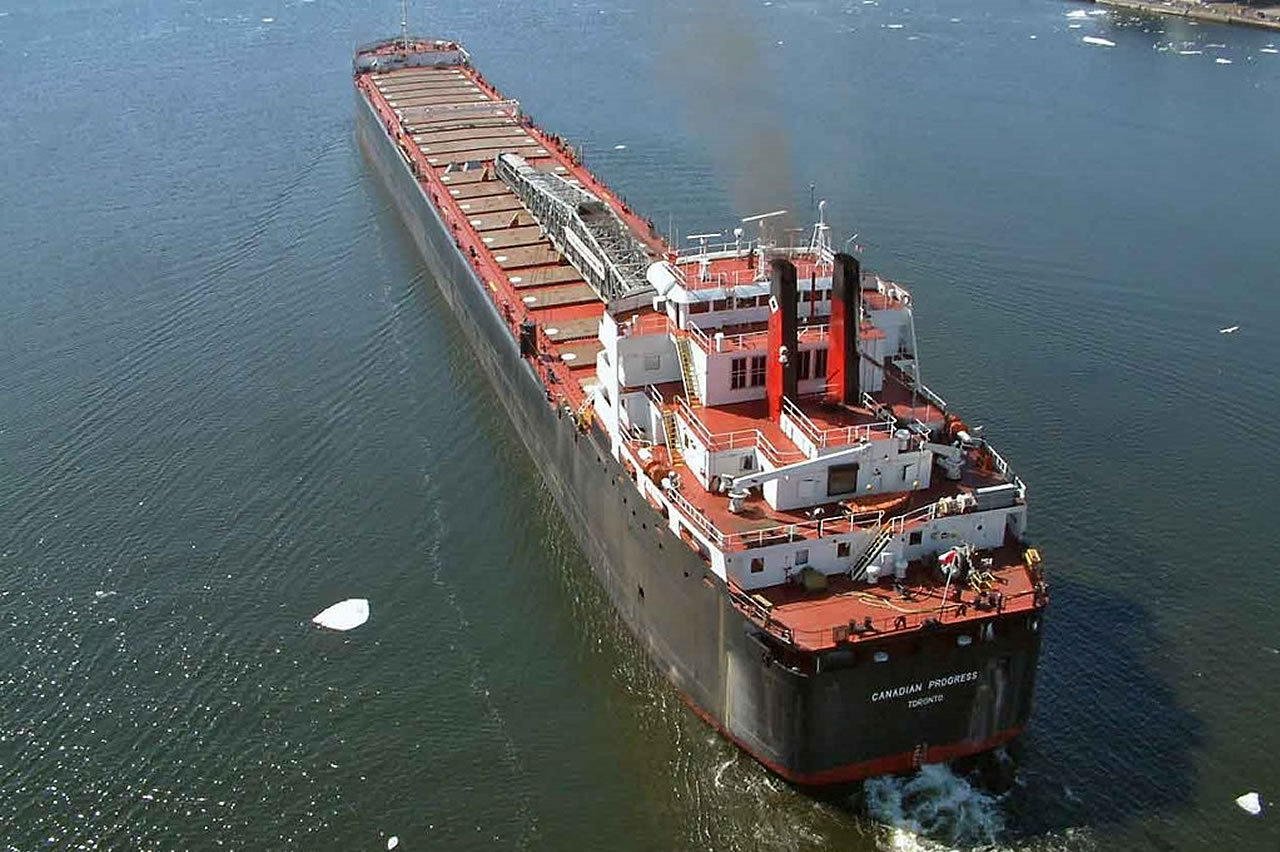
The Canadian Progress (1968 – 2011) was built by Port Weller Dry Docks in St. Catharines, Ontario for Upper Lakes Group Inc. She was the largest deadweight, self-unloading bulk carrier of her time stretching 730’ from stern to bow. At the time of decommission, the vessel was powered by 2 Caterpillar 3612TA V-12 cylinder, 4-stroke diesel engines.
Throughout the late ‘60s and early ‘70s, the Canadian Progress set new records for hauling coal, iron and barley along the Great Lakes seaway. The ship’s single hold was accessible by 22 hatches and was capable of carrying 32,240 mt.
In early 2011, Upper Lakes Shipping Company announced the sale of their fleet to the Algoma Central Corporation and later that year the Canadian Progress was renamed the Algoma Progress.
In January 2015, Marine Recycling Company reached an agreement with Algoma Central Corporation to recycle the Algoma Progress.
All hazardous materials, salvageable equipment and memorabilia were removed from the Algoma Progress. The ship was dismantled, and the materials recycled.
Work on the Algoma Progress began in March 2015 and was completed December 2015.
Marine Recycling Corporation – 3A Lake Road, Port Colborne, Ontario
Products for Sale
These are the current listings of memorabilia and components salvaged from the Algoma Progress, which are now for sale.
Please contact the website administrator.
| The following information is meant for the website developer for debugging purposes. | ||||||||||||||||
| Error Occurred While Processing Request | ||||||||||||||||
|
||||||||||||||||